Keyword Generator vs. Google Keyword Planner: Which Should You Use?
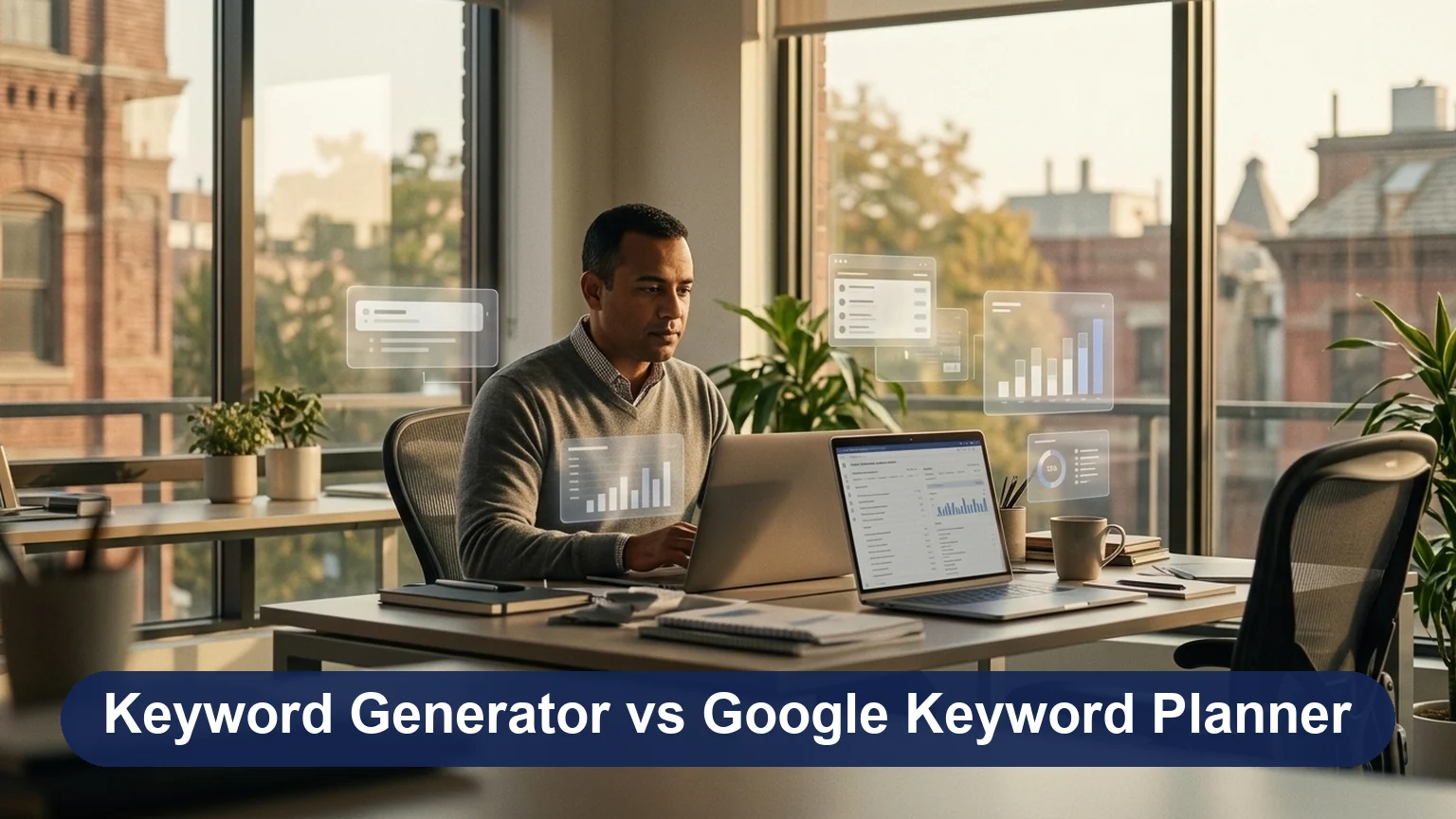
Keyword research is the cornerstone of any successful search engine optimisation (SEO) strategy. Even the best content can go unnoticed without the right keywords, and rankings can remain stagnant. This is where keyword tools come into play. These tools help marketers discover the most relevant and high-performing keywords, understand user search intent, and uncover untapped opportunities.
Key takeaways
- Keyword generators are quick, beginner-friendly tools for finding many keyword ideas from one seed term.
- Google Keyword Planner is free inside Google Ads and gives Google's own volume ranges, forecasts and bid estimates.
- Without active ad spend, Keyword Planner shows broad volume ranges, and even exact figures are rounded and grouped across close variants.
- Keyword Planner is built for PPC; SEO needs extra checks like ranking difficulty, search intent and whether an AI Overview now answers the query.
- Most marketers get the best results by using a generator for ideas and Keyword Planner to validate them.
Two of the most popular keyword research tools today are Keyword Generators and Google Keyword Planner. Both tools are critical in driving SEO success, but which is the best fit for your business? Whether you’re an SEO novice or a seasoned professional, selecting the right tool can significantly impact your results.
What is a Keyword Generator?
A Keyword Generator is a tool that helps users discover relevant keywords by providing a list of keyword suggestions based on a seed term or topic. These tools use search data, trends, and algorithms to generate keywords that can be used for SEO, content creation, or paid advertising campaigns.
What is Google Keyword Planner?
Google Keyword Planner is a free tool provided by Google Ads that helps users find keyword ideas and data for their SEO and paid advertising campaigns. It allows marketers to discover keywords related to their business, view search volume estimates, analyse competition, and refine their targeting strategy. Integrated with Google Ads, it helps optimise PPC (Pay-Per-Click) campaigns while providing valuable insights for organic search strategies.
Ease of Use: Which One is More User-Friendly?
User-friendliness is crucial when selecting a keyword research tool, especially for beginners. The ease of use, interface design, and setup process can significantly impact your workflow and efficiency. Let’s compare Keyword Generators and Google Keyword Planner regarding user experience, setup, and navigation.
Interface: User Experience and Simplicity of the Interface

- Keyword Generators: Most Keyword Generators are designed to be intuitive, with simple, straightforward interfaces. They typically require just a seed keyword to generate a list of suggestions. Tools like Ubersuggest and KeywordTool.io have clean layouts, making them easy for users at all levels to navigate. You simply input a keyword, and the tool instantly provides results without overwhelming the user with complex options.
- Google Keyword Planner: Google Keyword Planner, while powerful, can be more complex for new users. The interface is functional but geared more towards users with prior knowledge of Google Ads. More steps are involved in setting up an account and configuring campaigns, which may be challenging for beginners. However, once familiar with the tool, its navigation becomes intuitive.
Setup and Navigation: How Easy Is It to Set Up and Start Using Each Tool?
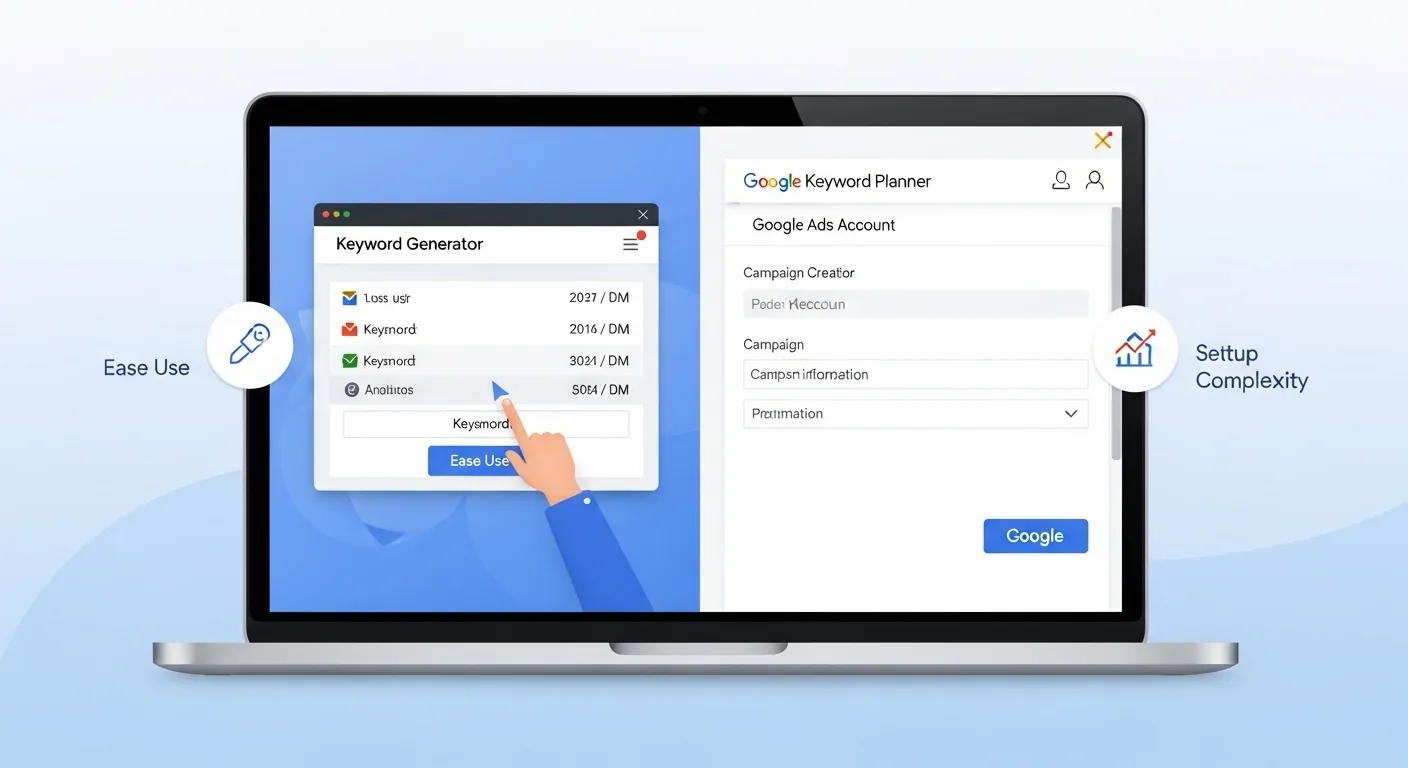
- Keyword Generators: Setting up a Keyword Generator is usually hassle-free. You can get started in minutes by simply entering a keyword or topic. Most generators don’t require sign-ups or additional configurations. You can instantly see the results and start refining your keyword list.
- Google Keyword Planner: Google Keyword Planner requires users to have a Google Ads account to access the tool. The setup involves linking your Google Ads account, optionally switching to Expert Mode to skip creating a campaign, and entering your business information. While this adds an extra layer of complexity, it also gives users access to more detailed features tailored to advertising and SEO.
Recommendation for Beginners: Which Tool is Better for Novice SEO Professionals?
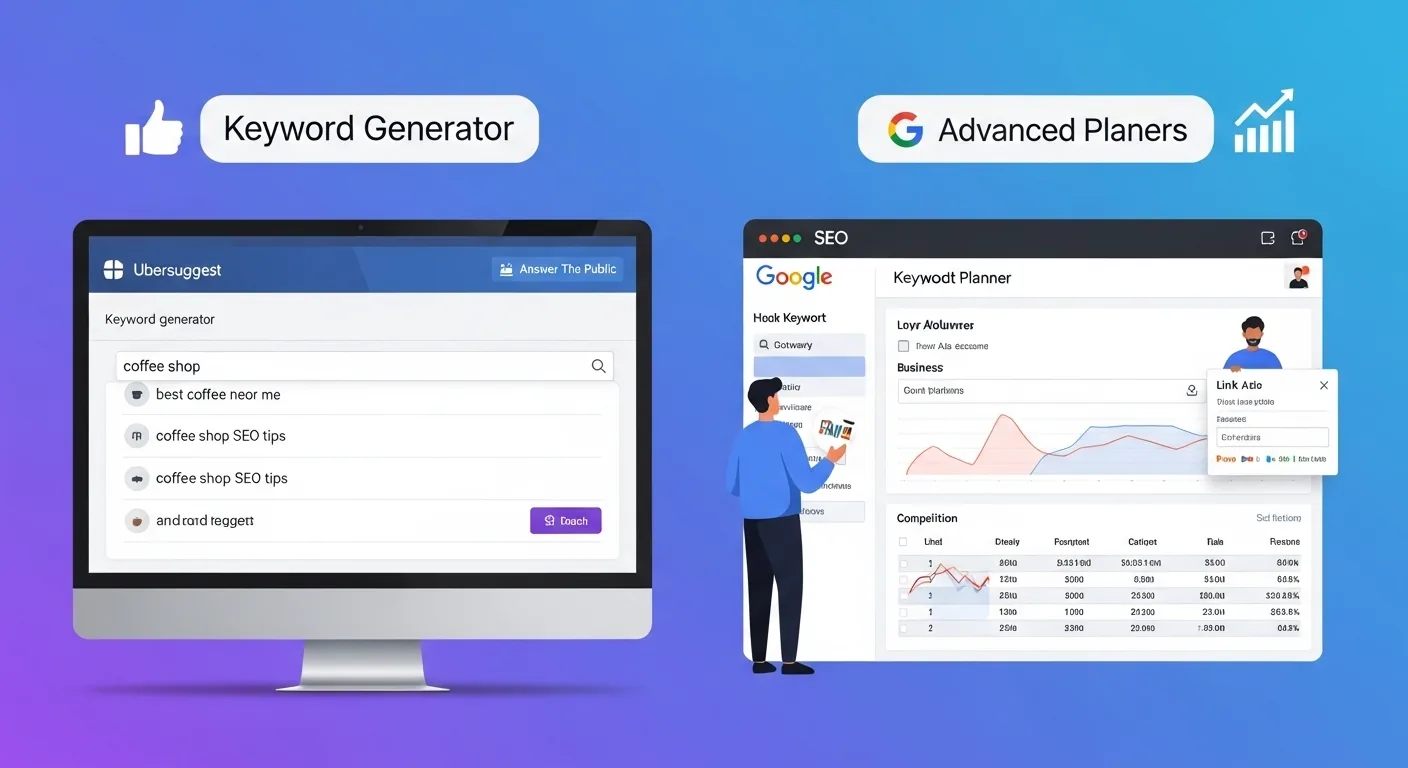
- Keyword Generators: Keyword generators are the ideal choice for beginners or those just starting with SEO. They are easy to use, provide instant results, and require minimal setup. A Keyword Generator is the perfect tool to kick-start your SEO journey if you’re looking to quickly generate keyword ideas without diving deep into advertising or paid campaigns.
- Google Keyword Planner: While Google Keyword Planner offers more in-depth data, it may be overwhelming for absolute beginners. The added complexity of linking Google Ads accounts and understanding the finer details of search volume, competition, and bid estimates may be better suited for those with experience with paid campaigns or looking for more advanced features.
Keyword Data Quality: Accuracy and Depth
The accuracy and depth of keyword data are vital for making informed decisions in SEO. Both Keyword Generators and Google Keyword Planner provide keyword suggestions, but they do so in different ways and offer varying levels of detail. Let’s explore how each tool compares in providing keyword volume, trends, competition data, and the overall relevance to SEO.
Data Comparison: How Each Tool Provides Keyword Volume, Trends, and Competition Data
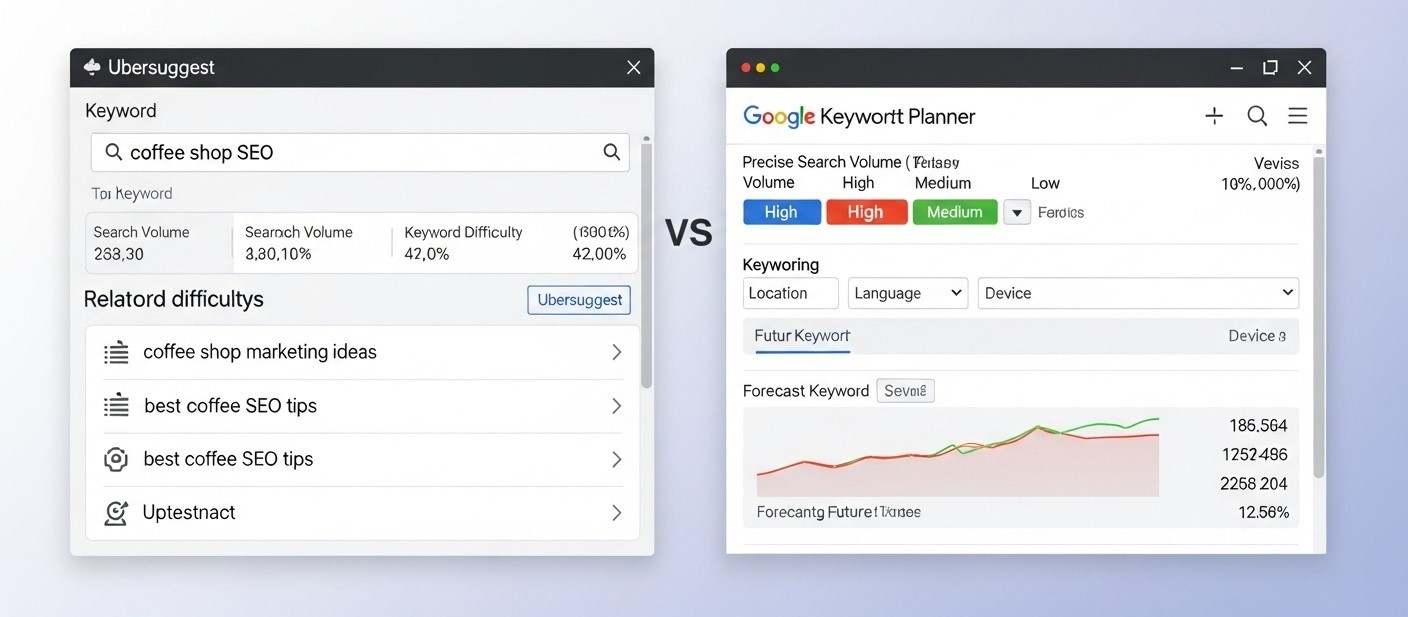
- Keyword Generators:
Keyword Generators typically offer basic keyword data such as search volume estimates, keyword difficulty, and suggestions for related terms. However, the depth of the data can vary greatly between different tools. For example, Ubersuggest provides keyword volume, competition data, and related keyword suggestions, but it may not always have the same level of precision as Google Keyword Planner.
Some tools, like AnswerThePublic, focus more on providing qualitative keyword insights based on questions and topics, rather than quantitative data like search volume. KeywordTool.io also offers data on keyword volume, but doesn’t always provide the detailed competition level or trend data that is crucial for deeper analysis.
- Google Keyword Planner:
Google Keyword Planner, on the other hand, draws its keyword volume data from Google's own search network. Accounts without active ad spend see broad ranges such as 1K to 10K; accounts with spend see monthly figures, but even those are rounded and grouped across close variants (plurals, misspellings). The tool also shows competition levels, top-of-page bid ranges and historical trends, and lets you filter results by location, language, search network and date range, making it a solid reference point for both SEO and paid campaigns.
Google Keyword Planner also provides forecasting features, which can predict potential future performance for keywords, giving a more strategic view for long-term campaigns.
SEO relevance: Which Tool Offers More Precise Data that Leads to Actionable SEO Insights?
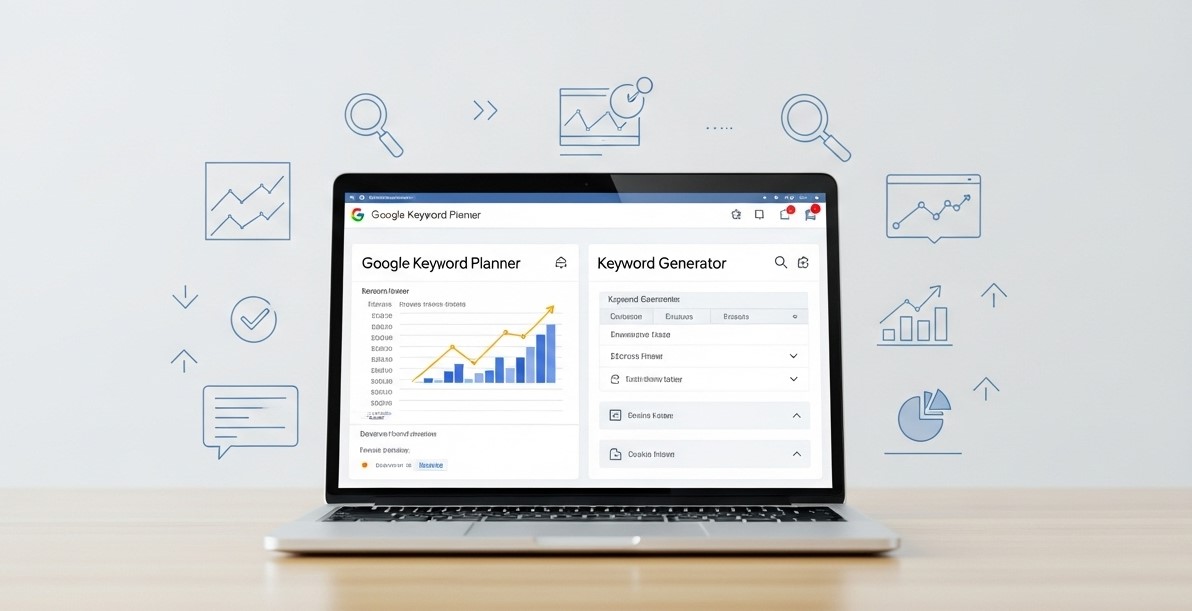
- Keyword Generators:
While Keyword Generators are excellent for discovering new keyword ideas and brainstorming, their data is typically less precise than Google Keyword Planner’s. Search volume estimates and competition scores may not always be as accurate or detailed, especially with free tools. However, they are useful for identifying keyword trends and niche topics that can complement more in-depth research.
- Google Keyword Planner:
Google Keyword Planner offers the most trustworthy volume data because it comes from Google itself, but it is not exact: the ranges and rounded figures are built for advertisers, and the Competition column measures advertiser bidding, not organic ranking difficulty. Treat it as a reliable way to compare keywords against each other, then add intent and difficulty checks from the live search results. Since AI Overviews and AI Mode arrived in Google Search (available in Pakistan too), a keyword's volume no longer tells you how many clicks a top ranking will bring, so look at the search results page and your Search Console click-through rates before committing to a keyword.
Historical Data: Availability and Usefulness of Historical Data in Google Keyword Planner vs. Keyword Generators
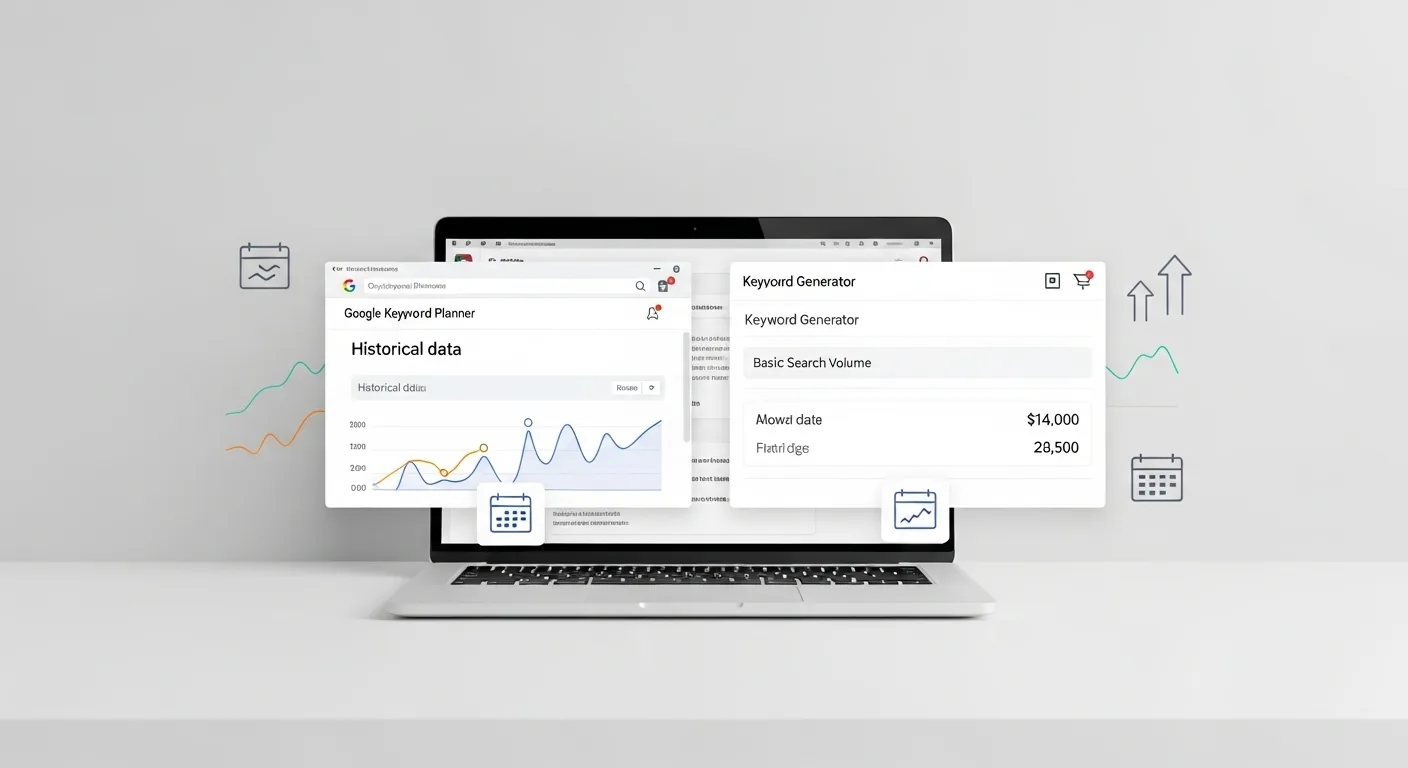
- Keyword Generators:
Keyword Generators generally do not offer detailed historical data. Some may provide a rough estimate of search volume (e.g., high, medium, low), but they typically lack in-depth trend analysis. Without historical data, it’s harder to make long-term SEO projections based on keyword popularity and search behaviour.
- Google Keyword Planner:
Google Keyword Planner excels at historical data. It provides detailed insights into how search volume for specific keywords has fluctuated. This data is incredibly useful for identifying seasonal trends, understanding long-term keyword performance, and optimising content for future growth. With access to historical trends, users can forecast when certain keywords are more likely to perform well, allowing for more strategic content planning and campaign optimisation.
Cost Comparison: Which is More Cost-Effective?
Cost is an important factor when choosing a keyword tool, especially for marketers on a budget. Both Keyword Generators and Google Keyword Planner offer free and paid features, but differ in pricing and value.
Free vs. Paid Features:
- Keyword Generators: Most Keyword Generators offer basic features for free, like keyword suggestions and search volume estimates. Paid versions unlock more data, such as long-tail keywords, competition metrics, and historical trends. As of October 2026, entry plans for standalone generators such as Ubersuggest start at roughly $12 to $30 a month (about PKR 3,500 to 8,500), while full SEO suites such as Semrush and Ahrefs start above $100 a month (over PKR 28,000); check the vendor's pricing page, as plans change often.
- Google Keyword Planner: Google Keyword Planner is free but requires a Google Ads account. Without an active ad campaign, the data might be less precise. The tool doesn’t cost anything, but you may incur costs through PPC advertising if you run campaigns.
Pricing Breakdown:
- Keyword Generators: Paid plans range from a low-cost standalone generator to a full SEO suite costing several times more, depending on the features you need. These tools are ideal for affordable, quick keyword research.
- Google Keyword Planner: Free to use if you have a Google Ads account, but you may need to run ads if you want access to detailed data. Google Ads operates on a pay-per-click (PPC) basis, and you set your own daily budget.
Which Tool Offers Better Value?
- Keyword Generators are great for marketers on a tight budget. They offer affordable keyword research with a low entry cost.
- Google Keyword Planner: This tool is best for those already using Google Ads. It offers excellent value for PPC campaigns and SEO, though it may be less effective for SEO-only users.
Advanced Features: Which Tool Offers More Functionality?
Both Keyword Generators and Google Keyword Planner offer advanced features, but their functionality varies depending on the user’s needs.
Advanced Tools for Professionals:
- Keyword Generators: Tools like Ubersuggest, KeywordTool.io and the free generators from Ahrefs and Semrush offer keyword difficulty scoring, trend analysis, and long-tail keyword suggestions. These features help professionals identify high-potential keywords with manageable competition and target multiple platforms (e.g., Google, YouTube, Amazon).
- Google Keyword Planner: Primarily focused on PPC campaigns, it offers keyword volume estimates, forecasting tools, and bidding data. It’s excellent for advertisers but lacks in-depth SEO features for organic search optimisation.
Customisation:
- Keyword Generators: Offer more flexibility, allowing users to filter by location, language, and search engine for targeted keyword results.
- Google Keyword Planner: Filters cover location, language, search network, date range, keyword inclusion and exclusion, and competition level; they are designed around ad planning rather than SEO.
Pros and Cons of Keyword Generator vs. Google Keyword Planner
| Criteria | Keyword Generator | Google Keyword Planner |
| Pros | ||
| Ease of Use | Simple, user-friendly interface. | Free to use; campaign set-up can be skipped in Expert Mode. |
| Cost | Affordable, with a free version offering basic features. | Free for basic features if you have a Google Ads account. |
| Flexibility | Customizable filters for location, language, and platform (e.g., YouTube, Amazon). | Can target specific locations, languages, and devices. |
| Advanced Features | Provides keyword difficulty scoring, trend analysis, and long-tail keyword suggestions. | Offers forecasting tools and detailed CPC data for PPC campaigns. |
| Best for Quick Keyword Research | Excellent for fast, basic keyword research. | Great for in-depth keyword research in PPC campaigns. |
| Cons | ||
| Limited Data Depth | Basic search volume and competition data; lacks detailed historical trends. | Data might be less precise without an active Google Ads campaign. |
| Dependence on Free Features | Paid versions offer more detailed data, making free versions less effective for professionals. | Requires a Google Ads account to access full features. |
| Focus on SEO and PPC | Primarily focuses on SEO, not suited for detailed PPC data. | Primarily geared toward PPC, not tailored for in-depth SEO analysis. |
| When to Use | Ideal for short-term SEO campaigns and quick keyword discovery. | Best for long-term SEO strategies, especially for paid search campaigns. |
| Recommendation for Beginners | Great for beginners due to its simplicity and easy setup. | Recommended for users already using Google Ads or focusing on PPC. |
How to Use Both Tools Together: A Simple Workflow
You do not have to pick one. Each tool covers the other's weak spot. This routine works for most small businesses:
- Brainstorm with a keyword generator. Enter two or three seed terms that describe your product or service and export the long list of ideas, including questions and long-tail phrases.
- Clean the list. Remove irrelevant terms, brand names you cannot target and duplicates. Group what is left by topic.
- Validate in Keyword Planner. Paste the shortlist into "Get search volume and forecasts" with the right location and language set. Note the volume range and the top-of-page bid range. A higher bid often signals commercial intent. Bid ranges appear in your Google Ads account currency, so a Pakistani account set to PKR sees PKR figures and one set to USD sees dollars.
- Check the search results. Search each main keyword yourself. If the top results are guides, write a guide; if they are product or service pages, build that page type. If an AI Overview answers the question outright, expect fewer clicks than the volume suggests and favour keywords where people still need to visit a page.
- Map one main keyword per page. Assign each keyword group to a single page so your own pages do not compete with each other.
- Review with real data. After a few months, compare your plan with the queries, impressions and click-through rates in Google Search Console and adjust.
Conclusion
Keyword Generators and Google Keyword Planner offer unique advantages depending on your needs. Keyword Generators are ideal for marketers seeking a simple, cost-effective solution for quick keyword research and SEO campaigns, especially for those on a budget or just starting. On the other hand, Google Keyword Planner excels for those involved in PPC advertising or looking for Google's own data on keyword volume, trends and bidding.
While it may have a steeper learning curve, it provides deeper insights into keyword trends and competition, making it invaluable for long-term SEO and advertising strategies. Ultimately, the choice between the two depends on your specific goals, whether you’re looking for immediate keyword ideas or a more robust tool for comprehensive, long-term campaign management.
Frequently asked questions
Can I use Google Keyword Planner without running ads?
Yes. You need a Google Ads account, but you can switch to Expert Mode during set-up and skip creating a campaign. Without active spend, many keywords show volume ranges such as 1K to 10K instead of exact figures. That is usually enough to compare keywords, though not to forecast traffic precisely.
Why does Google Keyword Planner group similar keywords together?
Keyword Planner combines close variants, such as singular and plural forms or small spelling differences, and can show the same volume for all of them. This suits advertisers because ads match close variants anyway. For SEO it can hide which exact phrase people use more, so check the search results page and Search Console data as well.
Which keyword tool is best for a small business in Pakistan?
Start with free options. Use Google Keyword Planner with the location set to Pakistan or your city to see local volume ranges, and a free keyword generator or Google autocomplete for more long-tail ideas. Many local searches mix English and Roman Urdu, so try both spellings. Upgrade to a paid tool only when you need competitor data.
Is keyword difficulty shown in Google Keyword Planner?
No. The Competition column in Keyword Planner measures how many advertisers bid on a keyword, not how hard it is to rank organically. For SEO difficulty, use a third-party keyword tool's difficulty score or, better, look at the pages ranking in the top results and judge whether your page can beat them.
Does search volume still predict traffic now that Google shows AI Overviews?
Less than it used to. A keyword can keep its volume while an AI Overview or AI Mode answer takes most of the clicks, especially for informational questions. Before committing to a keyword, search it yourself and see whether an AI answer appears, then compare impressions with clicks for similar queries in Google Search Console. Commercial and local queries are affected less.