International SEO Redirects and hreflang: A Practical Guide for Global Audiences

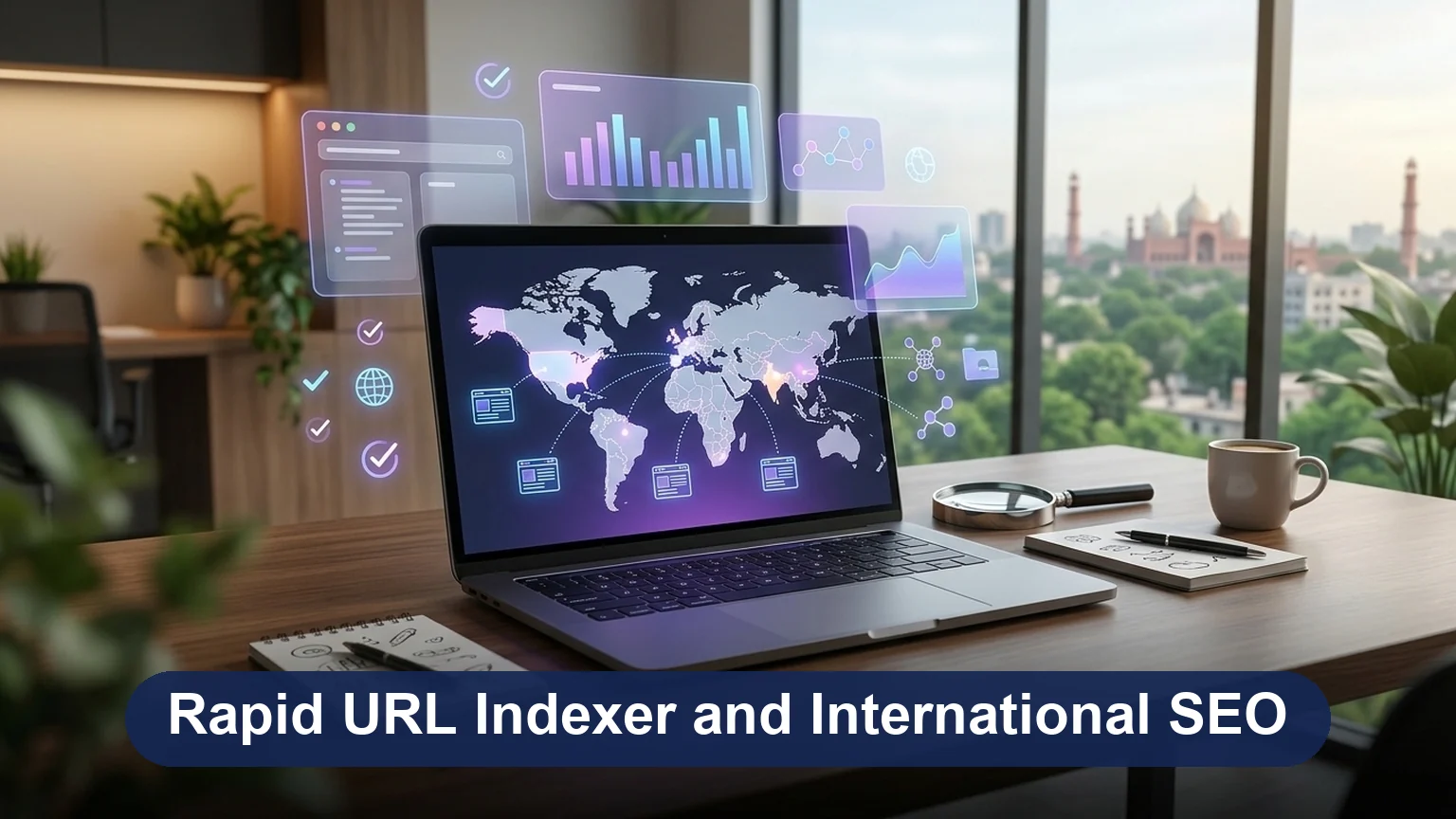
International SEO is the work of getting the right version of your website in front of people in each country and language you sell to. For a Pakistani business it usually means one of two things: a Lahore or Karachi company selling to the UAE, the UK and the US, or a company with Urdu and English pages for the home market. Either way, the questions are the same. How do you structure the URLs? How does Google know which page is for whom? Should you redirect visitors to their country's version? And how do you measure what each market brings in?
Key takeaways
- hreflang tells Google which language or country version to show; the visitor chooses which version to read; 301 redirects are only for URLs that have actually moved.
- Never redirect automatically by IP or browser language; Googlebot crawls mostly from the US and would never see your other versions. Offer a banner and a switcher instead.
- Pick one URL structure (subfolders suit most businesses), give every version its own self-referencing canonical, and list every member of the set, plus x-default, on every page.
- Search Console's International Targeting report was removed in 2022, so ccTLDs, hreflang, local content and local links are the only geographic signals left.
- Localise currency, contact details, spelling and keywords per market, and measure each market separately with the Country filter in Search Console and GA4.
This guide answers those questions with the setup we use for client sites as of October 2026. The short version: hreflang tells search engines which page to show, the visitor chooses which version to read, and redirects are only for URLs that have genuinely moved.
Understanding Your Global Audience

Before touching any code, find out who already visits from abroad and what they want. Two free reports do most of the work.
- GA4, Reports, then Demographics, then Countries. Shows sessions, engagement and key events by country. If 20 percent of your leads come from the UAE and you have no UAE page, that is your first market.
- Google Search Console, Performance, then the Country filter. Shows which queries you already appear for in each country, and in which language. A Pakistani exporter is often surprised to find impressions in Saudi Arabia or the UK before doing any targeting.
Then look at how each market searches. The same product can be a "mobile phone" in the UK, a "cell phone" in the US and a "موبائل" in Urdu searches at home. Dialect matters too: Gulf Arabic differs from Egyptian Arabic, and Modern Standard Arabic is what most Arabic web pages are written in. Decide which languages you can genuinely support with correct, maintained content. A half-translated site is worse than an English-only one.
Step 1: Choose a URL Structure

Each market or language needs its own URLs. Google indexes one page per URL, so switching language with a cookie or a script on the same address means only one version ever gets indexed. There are three ways to separate them.
| Structure | Example | Strengths | Drawbacks |
|---|---|---|---|
| Country-code domain (ccTLD) | example.ae, example.co.uk | Strongest country signal; local trust; separate hosting possible | Each domain builds authority from zero; most cost and admin; no use for language-only targeting |
| Subdomain | ae.example.com | Can run on a different platform or team | Shares less authority with the main site than a folder; more DNS and SSL work |
| Subfolder | example.com/ae/ | Shares the main domain's authority; one install; easiest to manage | Weaker country signal on its own, so hreflang and local content must carry it |
For most small and mid-sized businesses the subfolder wins. A typical layout for a Pakistani exporter looks like this:
https://example.com/pk/   Pakistan, English, prices in PKR, Lahore office
https://example.com/ae/   UAE, English, prices in AED, Dubai contact number
https://example.com/uk/   United Kingdom, English, prices in GBP
https://example.com/us/   United States, English, prices in USD
https://example.com/      x-default: global English page with a country chooser
If you also publish Urdu or Arabic, add the language inside the market folder (/pk/ur/, /ae/ar/) or use a language folder (/ur/) when the content is not country-specific. Pick one pattern and apply it everywhere, including images, PDFs and the sitemap.
One thing that no longer exists: the International Targeting report in Google Search Console, where you could set a country for a .com, was removed in 2022. Today the only geographic signals Google reads are the ccTLD, hreflang, the content itself (address, phone number, currency, local terms) and links from local sites.
Step 2: Add hreflang Tags
hreflang is an annotation that tells Google and Yandex "this page has these equivalents in other languages and countries". Google then shows the UK page to a UK searcher and the UAE page to a Dubai searcher, even though the pages are near-identical in English. Bing does not use hreflang and relies on the lang attribute and content signals instead.
The markup
Every page in the set lists every member of the set, including itself, in the HTML head. On the UAE page of the exporter above:
<link rel="canonical" href="https://example.com/ae/leather-jackets/">
<link rel="alternate" hreflang="en-pk" href="https://example.com/pk/leather-jackets/">
<link rel="alternate" hreflang="en-ae" href="https://example.com/ae/leather-jackets/">
<link rel="alternate" hreflang="en-gb" href="https://example.com/uk/leather-jackets/">
<link rel="alternate" hreflang="en-us" href="https://example.com/us/leather-jackets/">
<link rel="alternate" hreflang="ar-ae" href="https://example.com/ae/ar/leather-jackets/">
<link rel="alternate" hreflang="x-default" href="https://example.com/leather-jackets/">
The same block, with identical URLs, goes on the Pakistan, UK, US and Arabic pages. That mutual listing is the "return link" rule: if page A names page B but page B does not name page A, Google ignores the pair.
The rules that trip people up
- Codes are fixed. Language is an ISO 639-1 code (
en,ur,ar) and the optional region is an ISO 3166-1 alpha-2 code (pk,ae,gb). "en-uk" and "ar-uae" are invalid; the UK isgband the UAE isae. Language alone (ur) is allowed; region alone is not. - x-default is the fallback. It marks the page for anyone who matches none of the listed versions, usually a global page or a country chooser.
- Each page keeps its own canonical. If the Arabic page's canonical points at the English page, Google treats the Arabic page as a duplicate, drops it, and the whole hreflang set breaks. Self-referencing canonicals everywhere.
- Use absolute URLs, with the same protocol and trailing-slash style as the canonical.
- Only pair real equivalents. A product that is not sold in the UK should not have a UK alternate pointing at the homepage.
The sitemap alternative
Large sites often find it easier to declare hreflang in the XML sitemap than in every page's head. Each URL entry lists all its alternates:
<url>
  <loc>https://example.com/ae/leather-jackets/</loc>
  <xhtml:link rel="alternate" hreflang="en-pk" href="https://example.com/pk/leather-jackets/"/>
  <xhtml:link rel="alternate" hreflang="en-ae" href="https://example.com/ae/leather-jackets/"/>
  <xhtml:link rel="alternate" hreflang="en-gb" href="https://example.com/uk/leather-jackets/"/>
  <xhtml:link rel="alternate" hreflang="x-default" href="https://example.com/leather-jackets/"/>
</url>
The sitemap needs xmlns:xhtml="http://www.w3.org/1999/xhtml" in its root element, and every URL in the set needs its own entry with the full list. Use one method, head tags or sitemap, not both, so there is only one place to keep correct. Paste the finished file into our free sitemap validator before submitting it.
Step 3: Handle Redirects Correctly
Redirects and hreflang solve different problems, and the most common international SEO mistake is using a redirect where hreflang belongs.
Do not redirect visitors by location or language
Many sites detect the visitor's IP address or browser language and bounce them to a country version. It feels helpful, and Google advises against it, for three reasons:
- Googlebot crawls mostly from the United States. An IP redirect sends it to your US version every time, so your UAE and UK pages may be crawled rarely or never.
- Travellers and expats get the wrong page. A Pakistani buyer browsing from Dubai often wants Pakistani prices and the Lahore phone number.
- Shared links break. Someone in Karachi sends a UK friend a link, and the friend lands somewhere else.
Do this instead:
- Rely on hreflang so search results already point each user to the right version.
- Show a dismissible banner: "You seem to be in the UAE. View our UAE site?" Let the visitor choose, and remember the choice in a cookie.
- Put a visible country or language switcher in the header or footer that links to the equivalent page, not the homepage.
- If you must redirect, do it only from the neutral x-default page, never from a specific country page, and treat Googlebot exactly like a human visitor from the same location.
Use 301 redirects for URL moves only
A permanent (301) redirect is the right tool when an address has actually changed: moving the UAE site from ae.example.com to example.com/ae/, retiring a ccTLD, or changing a slug in one language. Redirect each old URL to its exact new equivalent, update the hreflang set and the sitemap to the new URLs on the same day, and check the result with our redirect checker so there are no chains. Use a 302 only for genuinely temporary situations such as a market page under maintenance.
Never redirect a language version to another language because it "has no traffic yet". The page needs to exist and be crawlable for hreflang to work at all.
Step 4: Localise Keywords, Content and Prices

Research keywords separately for each market. In Google Keyword Planner, Semrush or Ahrefs, set the country and language before you look at volumes; a term with 5,000 searches in the UK can have 200 in the UAE with a different spelling. Look for:
- Vocabulary differences: "trainers" (UK) versus "sneakers" (US); "flat" versus "apartment"; "mobile" versus "cell".
- Spelling: "optimisation" in the UK and Pakistan, "optimization" in the US.
- Local modifiers: "in Dubai", "near DHA", "with delivery to Jeddah".
- Mixed-language queries: Roman Urdu searches such as "sasta laptop" are real volume in Pakistan and are not in any translation tool.

Then localise rather than translate. Each market version should carry its own currency and prices, tax wording (VAT in the UAE and UK, sales tax at home), delivery times, local phone number and address, payment methods people there trust, and examples and dates in the local format. Arabic pages need lang="ar" and dir="rtl", translated title tags, meta descriptions and alt text, and a reviewer who speaks the dialect your customers use. Do not copy the Pakistan page into the UAE folder with only the city name changed; Google treats near-identical pages as duplicates and users notice.
AI search makes this more important, not less. Google's AI Overviews and AI Mode are generated separately per country and language, and so are ChatGPT and Perplexity answers, so a UAE buyer asking "best leather jacket supplier for small orders" sees different cited pages from a UK buyer. A localised page with the right currency, entities and place names is what gets cited in each market.
Step 5: Technical Checks for International Sites
Once the structure, hreflang and content are in place, run through this list. Most hreflang errors are invisible on the page and only show up in a crawl.
| Check | Common error | How to find it |
|---|---|---|
| Return links | Page A lists B, B does not list A, so Google ignores both | Screaming Frog or Sitebulb hreflang report; Semrush Site Audit International SEO report |
| Codes | "en-uk", "ar-uae", "eng", or a region with no language | Same crawlers flag invalid codes |
| Canonicals | A translation canonicalising to the English page | URL Inspection in Search Console shows the Google-selected canonical |
| Indexing | A market folder blocked in robots.txt or noindexed from staging | Search Console Pages report filtered by folder; our robots.txt tester |
| Speed per region | Hosting in Lahore serving slow pages to the UK | PageSpeed Insights field data; a CDN with edge locations near each market |
| Language attribute | Urdu or Arabic pages still declaring lang="en" | View source; Bing relies on this attribute |
| Sitemaps | One sitemap missing a market, or hreflang in both head and sitemap disagreeing | Submit one sitemap per market or one index, and validate it |
After launch, keep the URL Inspection tool open for a few pages in each market and confirm the Google-selected canonical matches the user-declared one. Search Console no longer has an hreflang error report, so a crawler is the only reliable way to recheck the set after every site change.
Step 6: Build Local Authority in Each Market
Links and mentions from sites in the target country are the clearest off-site signal that your UAE or UK pages belong there. Three tactics that work without a big budget:
- Local directories and chambers: the UAE Yellow Pages, your emirate's chamber of commerce member listing, UK trade bodies for your sector, and Google Business Profile for any address you actually operate from.
- Local press and trade media: a supplier story, a price-comparison piece or an export case study pitched to a trade publication in that market, linking to the market page rather than the homepage.
- Partner and customer links: distributors, resellers and clients in the market who will list you as a supplier. Link these to the market page with local anchor text.
Point these links at the country folder, not the global homepage, or the authority lands on the x-default page and the market page stays weak.
Step 7: Measure Each Market Separately
Judge every market on its own numbers or the strong ones will hide the weak ones.
- Search Console: add the Country filter, then compare clicks, impressions and average position for queries in that country. Filter by page (the
/ae/folder) to confirm the right version is the one appearing; if the Pakistan page shows for UAE searchers, your hreflang set has a gap. - GA4: build a comparison or a separate report per country, and track key events such as quote requests with the market recorded as a parameter.
- Leads and revenue: tag enquiries by market in your CRM. A market with low traffic but high order value may deserve more content than one with many visits and no sales.
Review quarterly, and expand into a new market only when the existing ones are indexed cleanly and converting.
Privacy and Compliance by Market
Collecting visitor data in another country brings that country's privacy law with it. Compliance is not a ranking factor, but fines and lost trust are real, and heavy consent banners and tracking scripts slow pages, so set them up carefully. As of October 2026 the main laws for the markets Pakistani businesses sell to are:
- European Union: GDPR; consent before non-essential cookies, a privacy notice and a lawful basis for marketing emails.
- United Kingdom: UK GDPR and the Data Protection Act 2018, with similar consent and notice rules.
- United States: no federal law; California's CCPA/CPRA and a growing list of state laws give opt-out rights, so offer a "do not sell or share" link to US visitors.
- UAE: the federal Personal Data Protection Law (Decree-Law 45 of 2021), plus separate regimes inside the DIFC and ADGM free zones.
- Saudi Arabia: the Personal Data Protection Law, in force since September 2023, with consent and data-transfer rules.
- Pakistan: no comprehensive data protection act is in force as of October 2026; drafts have circulated since 2018 and a 2023 bill was withdrawn. The Prevention of Electronic Crimes Act 2016 covers misuse of data, and PTA and SBP rules apply to telecom and payment data. Treat a clear privacy policy and consent for marketing as the minimum, so you are ready when a law passes.
A single consent platform configured per region handles most of this: show a consent banner in the EU, UK and Gulf, an opt-out link in the US, and a plain notice at home.
Conclusion
International SEO comes down to a few decisions made consistently: one URL structure for all markets, a complete hreflang set with self-referencing canonicals, no automatic redirects by location, content and prices written for each market, and separate measurement for each. Get those right and Google, and increasingly the AI answers built on top of it, will show the UAE page to Dubai, the UK page to London and the Pakistan page to Lahore without you forcing anyone anywhere. Redirects keep their one proper job: sending an old URL to its new home.
Frequently asked questions
Is a ccTLD better than a subfolder for international SEO?
Neither is always better. A ccTLD like .ae sends the strongest country signal and builds local trust, but each domain must earn its own authority and costs more to run. Subfolders like example.com/ae/ share the main domain's authority and are easiest to manage, which suits most small and mid-sized businesses. Subdomains sit in between and are mainly useful when a separate team or platform runs each market.
Does Googlebot see my other country versions if I redirect by IP?
Often it does not. Googlebot mostly crawls from US IP addresses, so an IP-based redirect can send it to your US or default version every time. Your other country pages may then be crawled rarely or not at all. Keep every version reachable through normal links, add hreflang tags, and let users choose their version instead of forcing them.
What is x-default in hreflang?
x-default is an hreflang value that marks the page to show when no other language or country version matches the user. It is usually a global homepage or a language selector page. For example, a site with Pakistan and UAE versions might set its international English page as x-default, so visitors from other countries land there rather than on a market-specific page.
Can I target Pakistan and the UAE from one website?
Yes. The common setup is one domain with subfolders, such as /pk/ and /ae/, each with its own prices, contact details and currency. Link the versions with hreflang tags, for example en-pk and en-ae, and write separate content where searches differ. Avoid copying the same page into both folders with only the city name changed, because that adds little value for either audience.
Why is Google showing my Pakistan page to UAE searchers?
Usually one of three things. The hreflang set is incomplete, often because the UAE page does not list the Pakistan page back or a code such as ar-uae is invalid. The UAE page's canonical points at the Pakistan page, so Google dropped it as a duplicate. Or the UAE page is new and has no local signals yet. Crawl the set with a tool that checks return links, inspect the UAE URL in Search Console, and add local content and links.